A brand kit that drives its own pipeline.
BrandFlow Studio is a local-first desktop app that turns branded image and video generation into a node canvas. A skill researches the brand and loads it as working context before the graph runs, and it already produces finished campaign work.
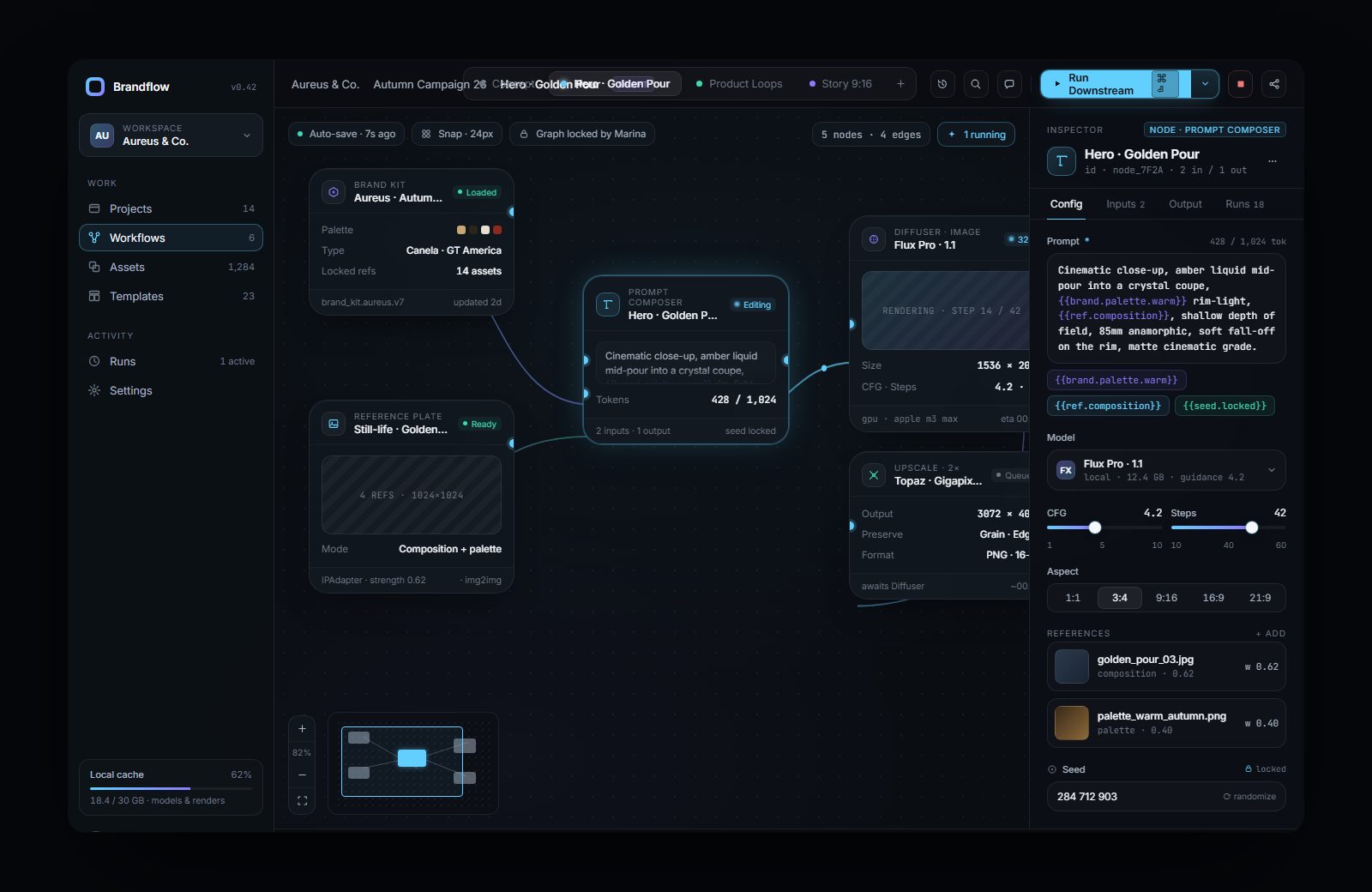
Prompts don't scale.
Writing prompts by hand is slow, inconsistent, and impossible to hand to anyone else. A brand's rules live in one person's head, and every asset becomes a fresh negotiation with the model. The output is only ever as reliable as the last thing you typed.
BrandFlow's answer: make the brand a reusable object, make generation a graph, and let the pipeline enforce the rules so a non-expert can re-run it and stay on brand.
A run is a graph, not a prompt box.
Every node in the library does one job. Brand rules are injected, prompts are composed from them, guardrails filter before the model runs, and a human review gate can block anything downstream.
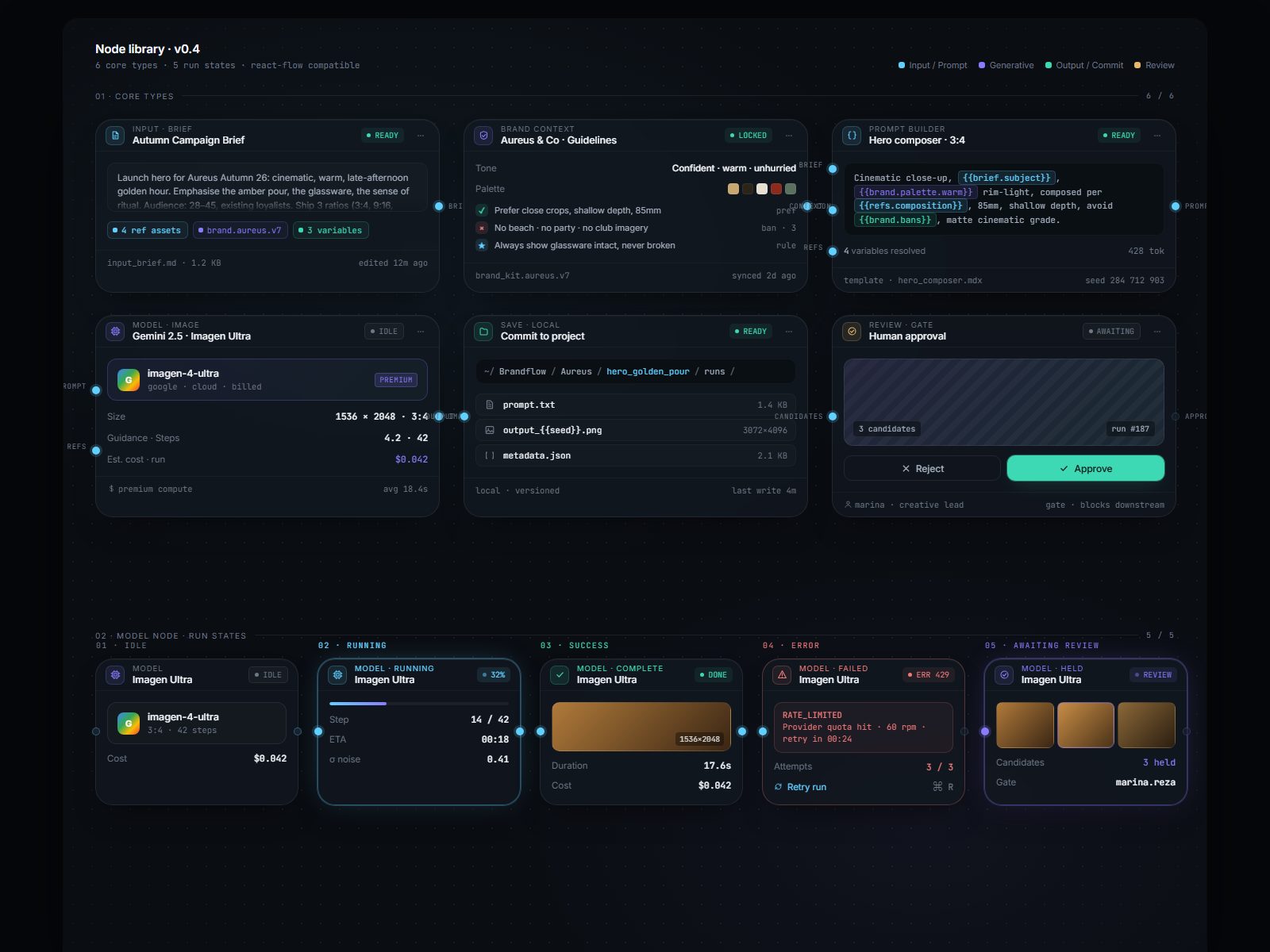
- Each brand is a pack: palette, voice, hard visual rules, per-SKU policy, negative list
- Prompt Builder composes from it with resolved template variables like
{{brand.palette.warm}} - Guardrails reject an off-brand prompt before spending a model call
- Every output carries the graph, prompt and seed that made it
- A review gate holds candidates for human approval and blocks downstream
- Full run history: nothing is a one-off you cannot reproduce
Real layers, not a wrapper.
A working desktop application with a clean boundary between the canvas, the execution graph, and the model providers.
any, no provider logic in the UI, no abstraction until two real use cases existOne garment, a whole campaign.
The tool earns its keep on finished work. The strongest run is Angle Design, a streetwear line generated as a coherent campaign: one brand defined once, then run across editorial, packshot and on-model streetwear. Eight frames, six settings, three models, two graphics, one consistent brand.
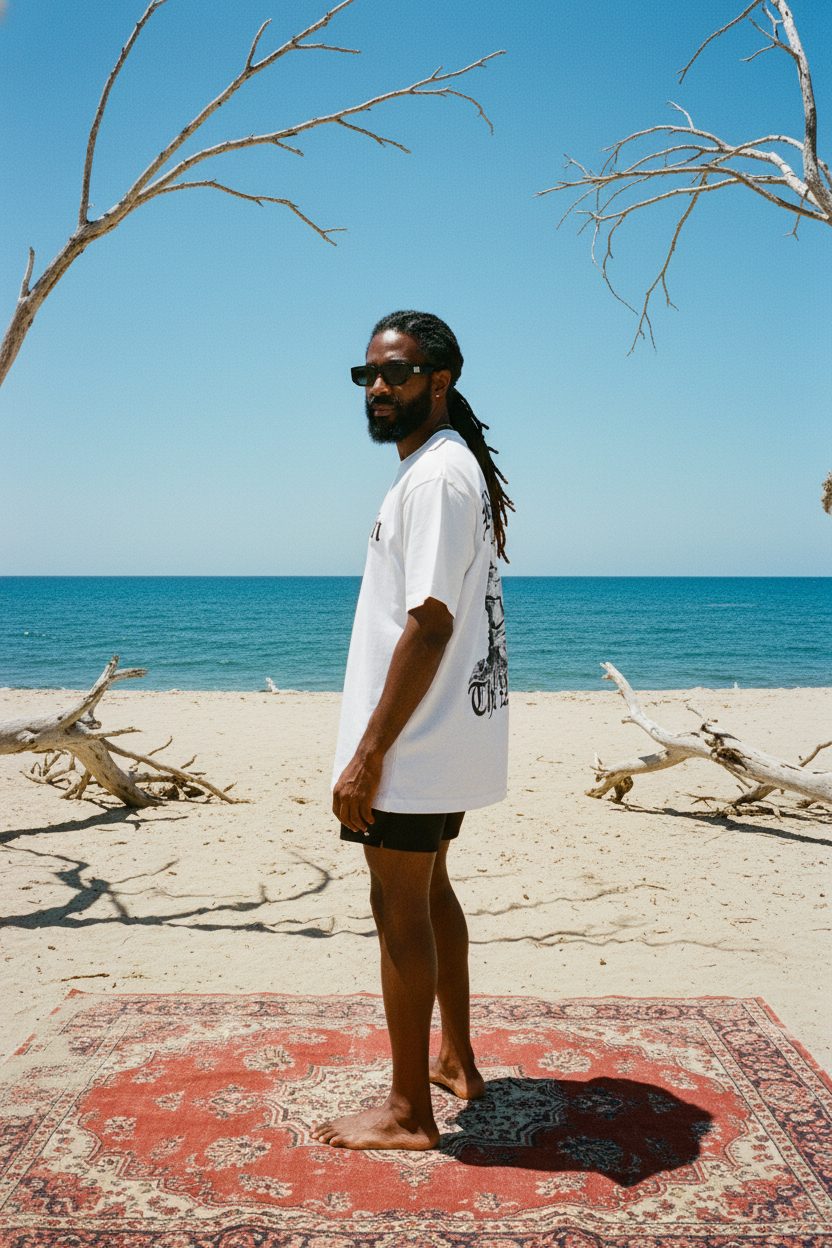
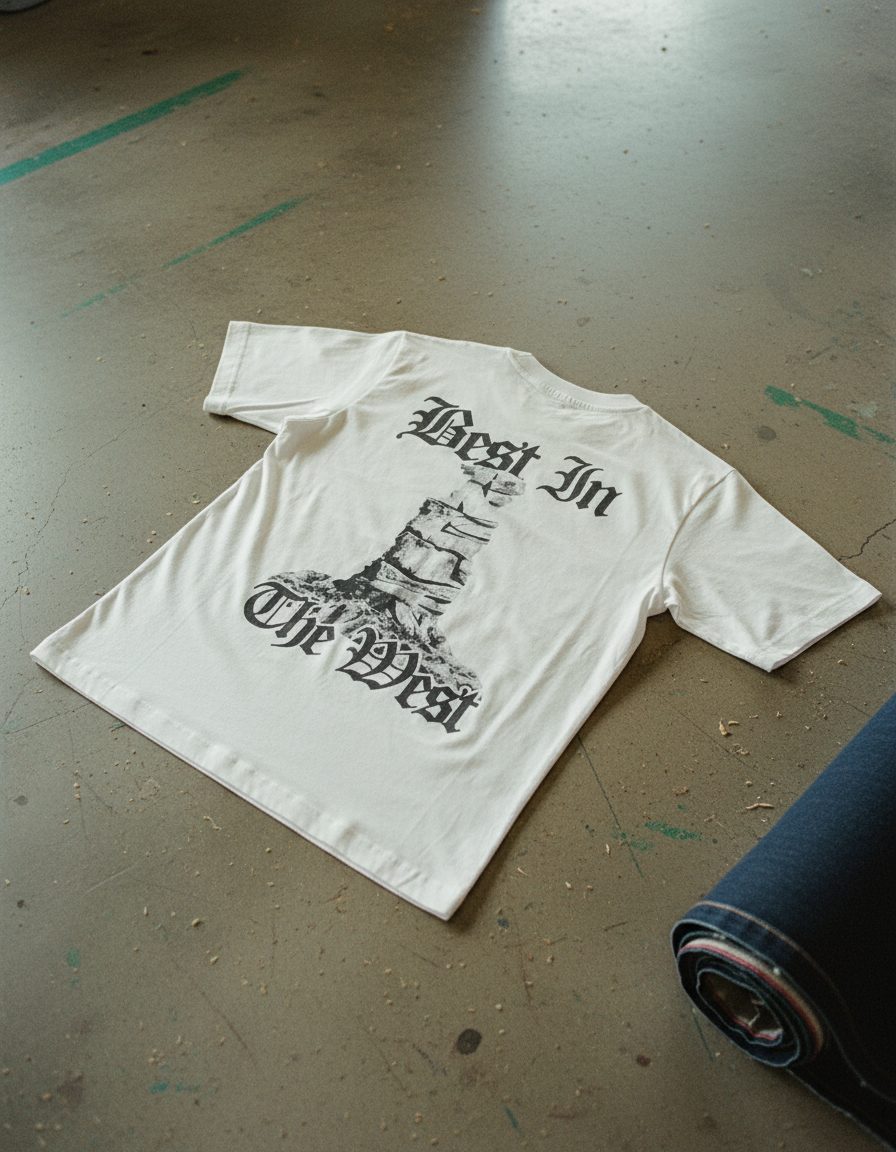
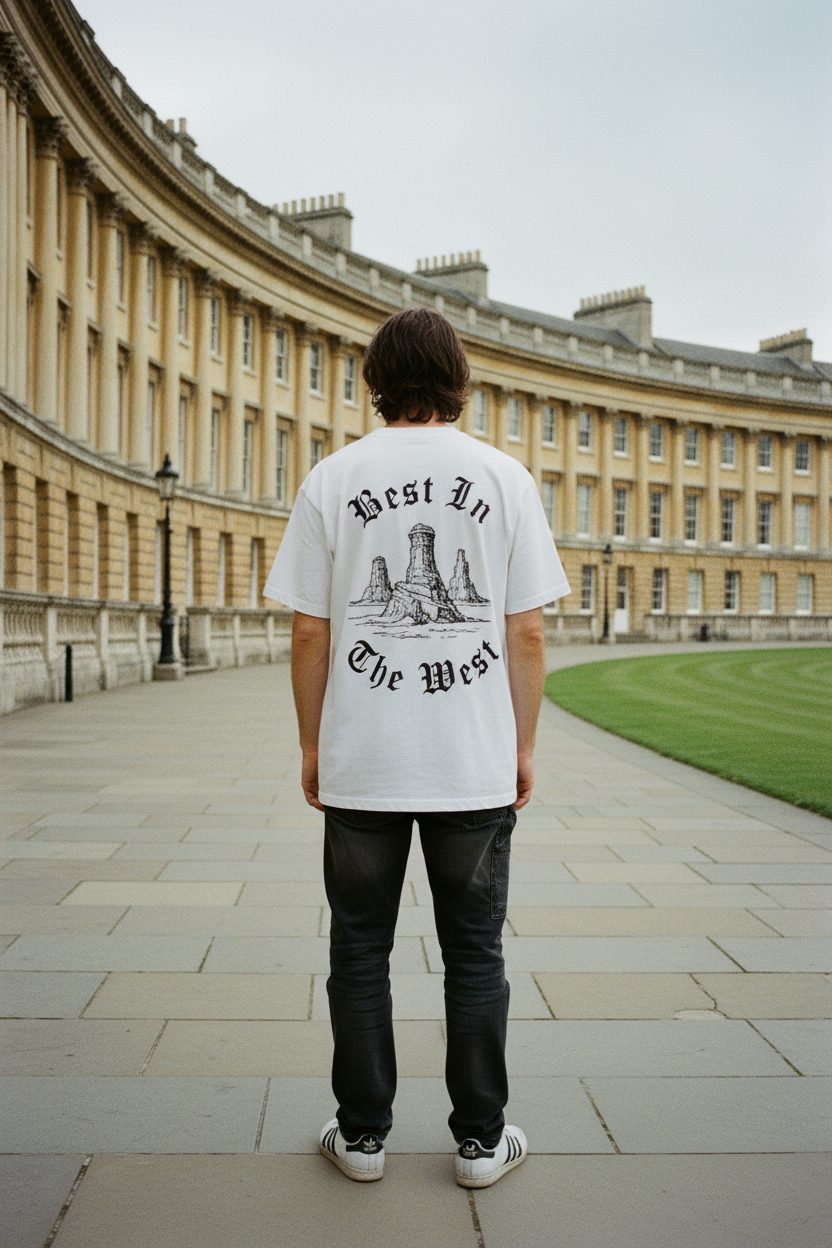
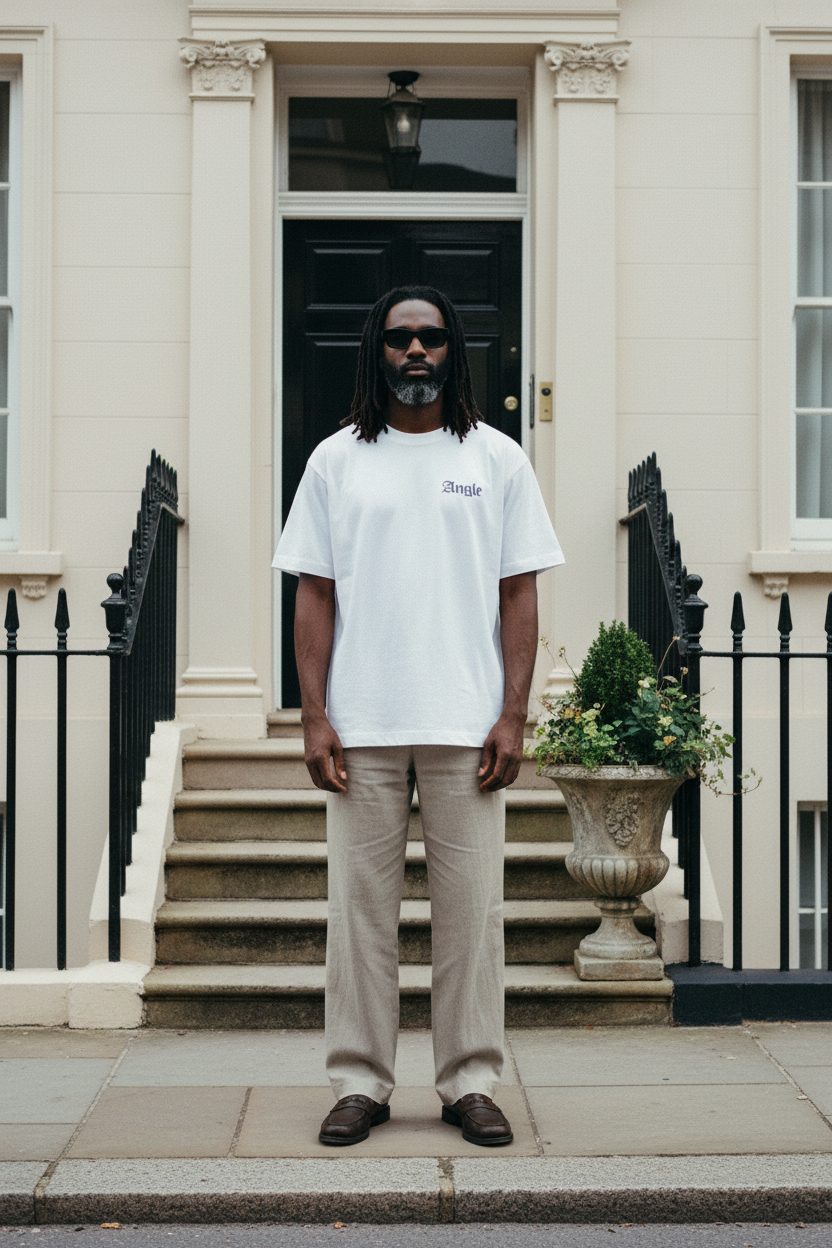
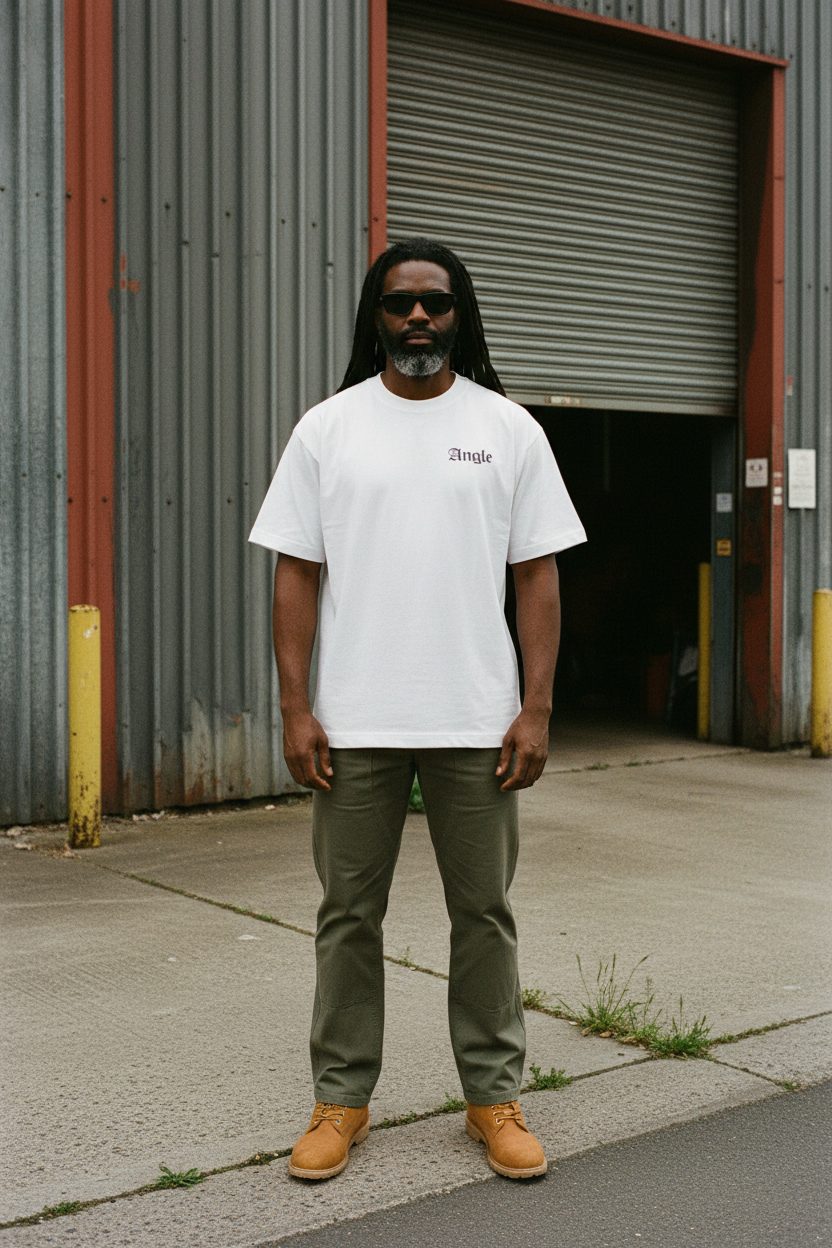
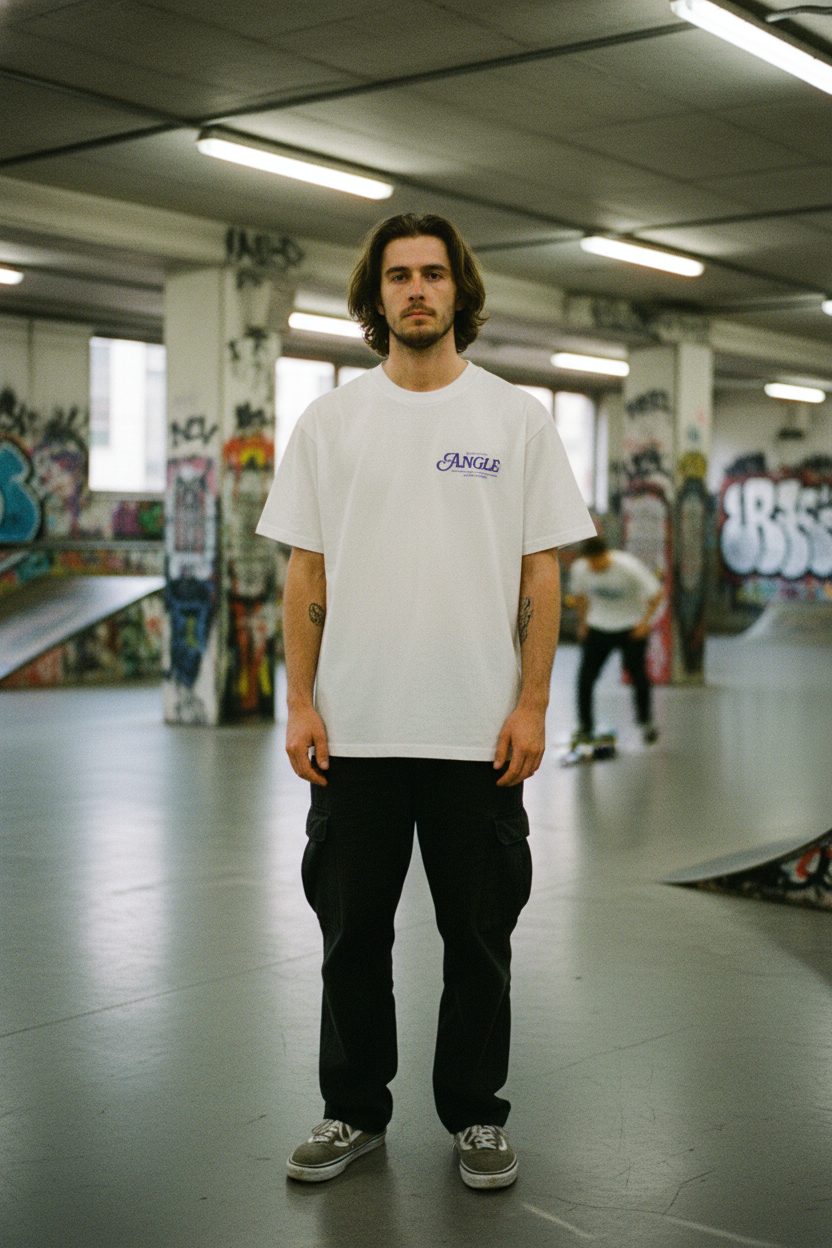
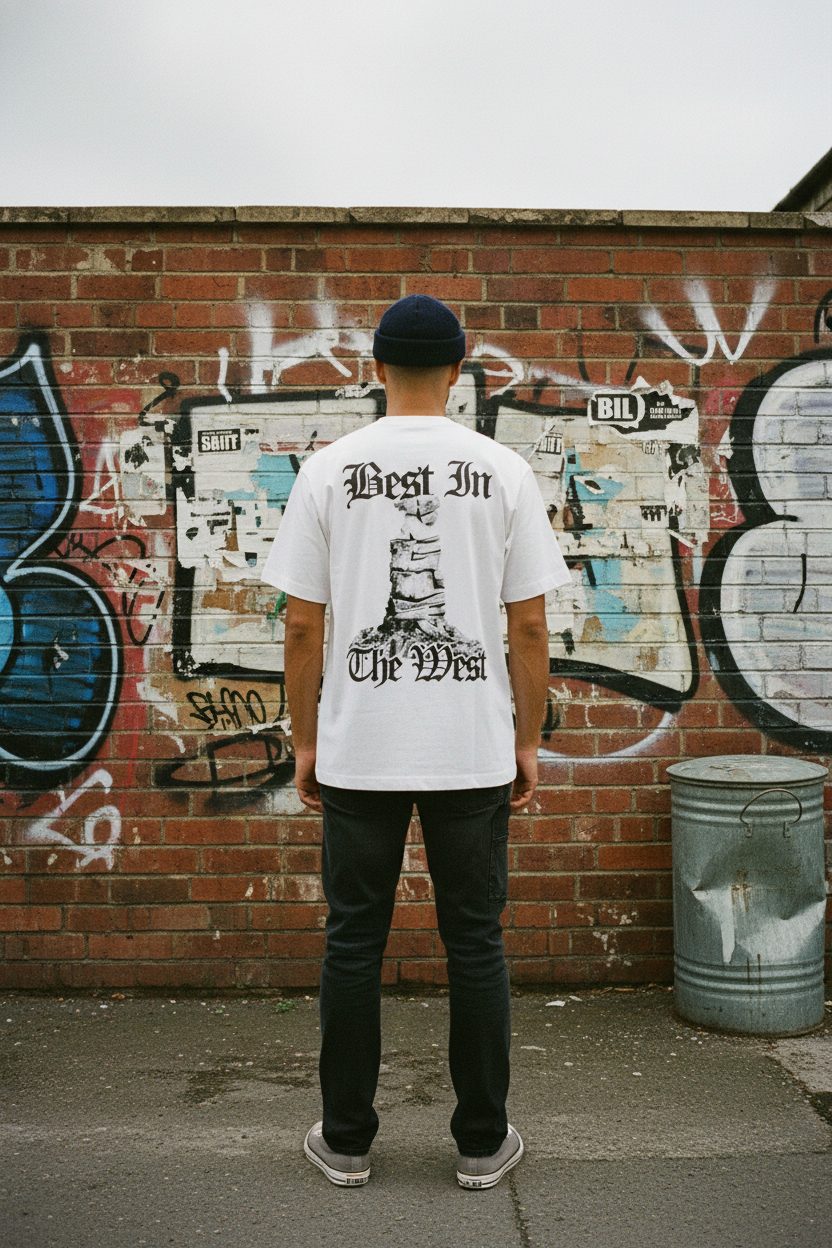
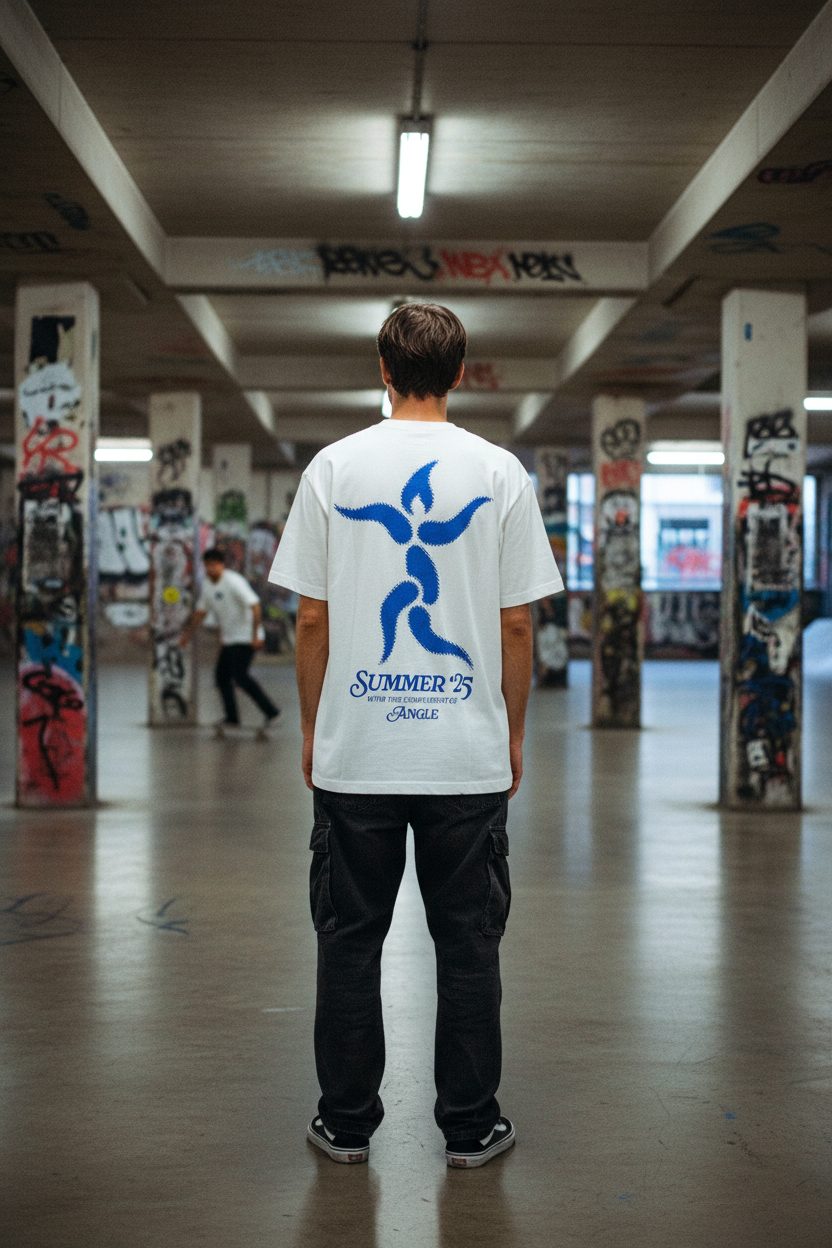
That consistency is the whole point. It is a system output, not eight lucky prompts.
Research and context-loading happen before a node fires.
preflight-brand-check is the first of a small library of skills. It researches the brand, writes the findings into the schema section 02 describes, and loads that context into the graph so a run starts primed instead of blank.
- Runs the research pass on a brand before any node fires
- Writes findings into the same schema the nodes read: palette, voice, rules, negative list
- Hands the primed context to the graph, so the prompt builder starts already on-brand
- No repeated research pass per run, the context persists
- No agency retainer or one-off prompt-engineering job per campaign
- A system that adapts as the brand pack grows, without losing what it already learned
Most side projects don't get custom software built for them. This one did, and it isn't a novelty: the aim is realistic, repeatable output a non-expert can re-run without re-deriving the brand from scratch each time.
Two minutes inside the canvas.
The highest-leverage asset: a real screen capture of the tool. A brand loads, a graph composes, a run streams and an output lands. The shot breakdown is below.
| Time | Shot | Point it makes |
|---|---|---|
| 0:00–0:10 | The dark canvas, a DEYA graph wired left to right | This is a pipeline, not a prompt box |
| 0:10–0:30 | Click the brand-context node; inspector shows the rules and palette | Brand is a reusable object |
| 0:30–0:50 | Change the SKU on the input node; the prompt recomposes | One graph, many outputs |
| 0:50–1:10 | Run; the drawer streams; an output lands; the review gate appears | Generation is inspectable and gated |
| 1:10–1:30 | Cut to a grid of finished Angle Design and DEYA frames | The system produces real, on-brand work |
Automated vs curated by taste.
- The whole run graph, per brand
- Brand-rule enforcement and negative lists
- Run history and reproducibility
- Which locations tell the brand story
- Model and framing selection
- The final eight, for composition and consistency